
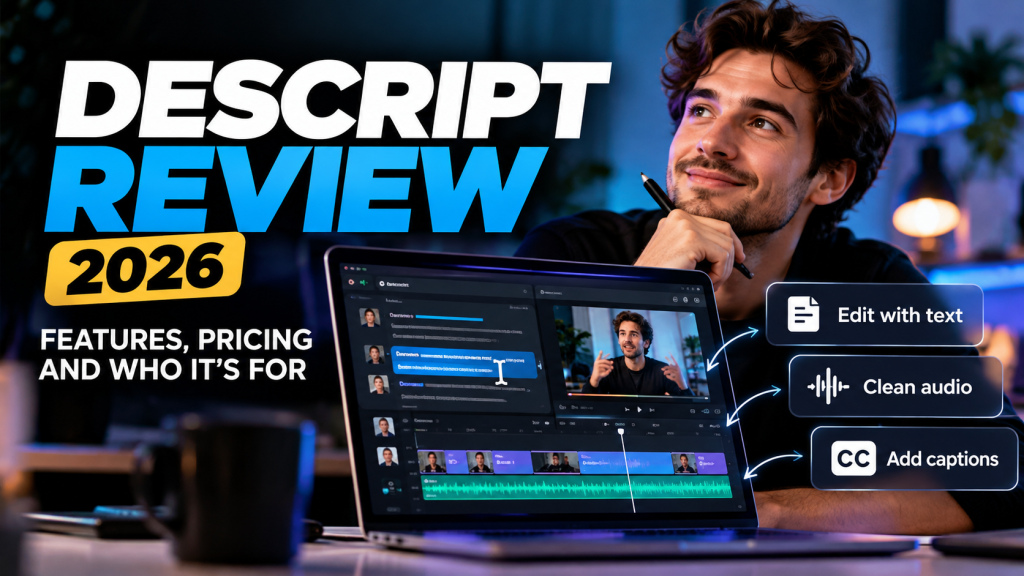
Video and podcast editing can be time-consuming, especially when you need to remove mistakes, improve audio quality, and create clips for different platforms. Descript takes a different approach: instead of relying entirely on a traditional editing timeline, it lets you edit recordings by working with a text transcript.
In this overview, we explore Descript’s main features, pricing, advantages, limitations, and the types of creators who may benefit from using it.
Disclosure: This article contains a referral link. Radavora may receive a reward if you sign up through it.
What Is Descript?
Descript is an AI-powered audio and video editing platform designed to simplify content production.
After importing or recording a video, Descript can generate a transcript. You can then edit spoken content by modifying the text, making it easier to remove unwanted sections without manually cutting every clip on a timeline.
The platform also offers captions, audio enhancement, recording tools, and AI-assisted editing features.
Who Is Descript Best For?
Descript is particularly useful for:
- Podcasters: Edit interviews, remove mistakes, and improve spoken audio.
- YouTubers: Create talking-head videos, tutorials, and shorter clips.
- Course creators: Edit lessons and instructional recordings.
- Marketing teams: Produce product demonstrations and social media content.
- Beginners: Work with a transcript instead of learning complex timeline-based editing immediately.
Key Features
1. Text-Based Video Editing
One of Descript’s most distinctive features is the ability to edit audio and video through a transcript.
This can make spoken-word editing more approachable, particularly for interviews, tutorials, and podcasts.
2. AI Audio Enhancement
Descript’s Studio Sound feature is designed to reduce background noise and improve voice clarity.
Results can vary depending on the quality of the original recording.
3. Automatic Captions
Creators can generate captions for videos, helping make content easier to follow on social media and other platforms.
4. AI-Assisted Editing
Descript includes AI tools that can assist with editing tasks, including refining recordings and preparing content for publication.
Some features depend on the subscription plan and available AI credits.
Descript Pricing
Descript offers a Free plan alongside paid subscriptions, including Hobbyist, Creator, and Business.
The Free plan is suitable for exploring the interface and trying basic editing workflows, but it has limits on media processing and exports.
Paid plans provide additional media minutes, AI credits, and export capabilities. Higher tiers are designed for creators with more demanding production needs.
Check Descript’s official pricing page for the latest plan details.
Descript Referral Offer: 50% Off for Two Months
Eligible new users may be able to receive 50% off the Creator monthly plan for the first two months through our referral invitation.
The offer applies to the Creator monthly plan, not necessarily every subscription option. Eligibility and promotional terms are determined by Descript.
Claim the Descript 50% referral offer
Advantages
- Accessible text-based editing workflow.
- Useful for podcasts, interviews, and talking-head videos.
- Combines transcription, editing, and captions.
- Free plan available for initial exploration.
Limitations
- Advanced features and larger workloads may require a paid subscription.
- AI processing allowances vary by plan.
- Creators needing highly detailed visual effects or complex timeline editing may prefer specialized video editing software.
- Automatic transcription and AI editing results still require human review.
Is Descript Worth Considering?
Descript is worth considering if your content relies heavily on spoken audio and you want a more straightforward editing workflow.
It is particularly appealing to podcasters, educators, YouTubers, and marketing professionals who regularly edit interviews, tutorials, or presentations.
If you mainly produce complex cinematic edits or effects-heavy videos, a conventional professional video editor may be more suitable.
Final Thoughts
Descript offers an alternative to traditional audio and video editing by making the transcript central to the workflow.
For beginners and spoken-content creators, that approach can make editing easier to understand and potentially reduce repetitive work.
The Free plan provides a way to explore the software before committing to a subscription.
Explore Descript and check your referral offer
Looking for a dedicated AI voice generator? Read our [ElevenLabs Review (2026)] to explore its text-to-speech features, voice cloning capabilities, and pricing.
Editorial note: This overview is based on publicly available product information rather than an independently conducted hands-on test. Features, prices, and offers may change.